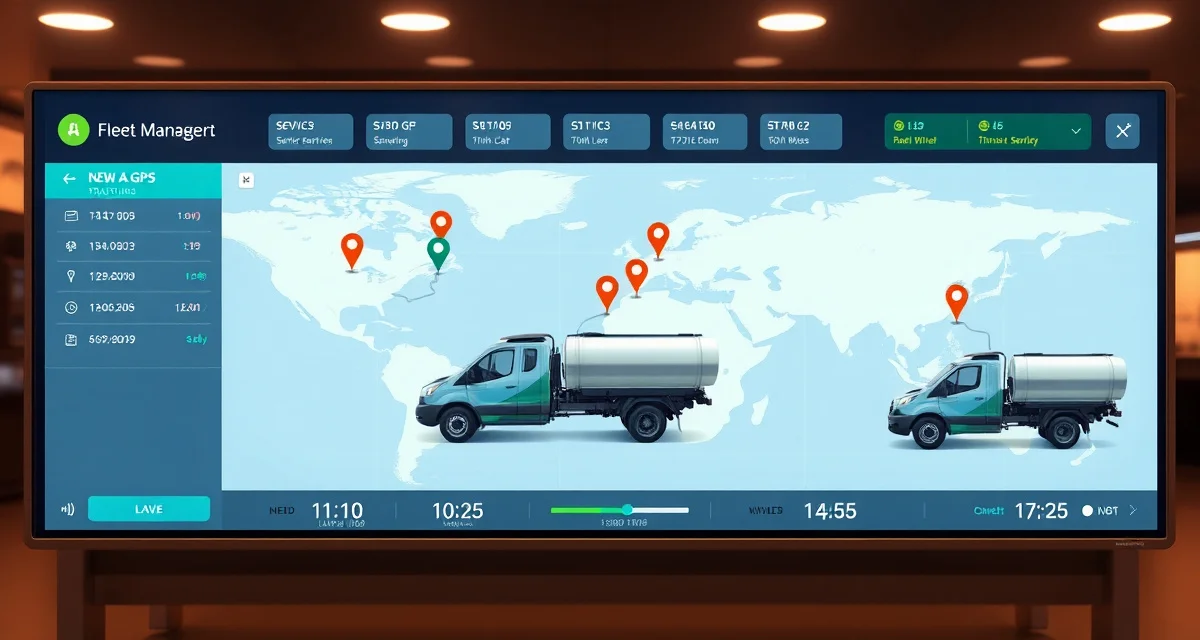
Septic Technician Tracking Software: Know Where Your Crews Are
By the SepticMind Editorial Team
You've got three trucks on the road. One's at a residential pump in the east side of the county. One's running a real estate inspection near town. One you haven't heard from since 7:30 a.m. and it's noon.
TL;DR
- Septic Technician Tracking Software: Know Where Your Crews Are is designed to address the specific workflow and compliance requirements of septic service operations.
- Purpose-built septic software handles permit tracking, state inspection report templates, and tank data management that generic platforms do not offer.
- Companies managing ATU contracts, multi-county permit portfolios, or real estate inspection volume need software designed around those workflows.
- Mobile access allows field technicians to complete and submit inspection reports before leaving a property.
- Cloud-based platforms ensure records are accessible from any device and backed up automatically.
- Switching costs from generic software are real, so evaluating septic-specific platforms early saves migration pain later.
Maybe he's fine, big tank, rural address, spotty cell service. Maybe the truck broke down on a back road. Maybe he took a longer break than he should have. You don't know, and not knowing is a daily low-grade frustration for every owner-operator running field crews.
SepticMind puts every truck on a real-time map, shows you job status, tracks daily productivity, and surfaces the information you need to manage the field without micromanaging the people in it.
What Technician Tracking Actually Gives You
Real-Time Location
Every truck in your SepticMind fleet shows on the dispatch map with 30-second location updates. You see:
- Current address or GPS coordinates
- Speed and direction
- Job status (traveling, on site, complete, returning to yard)
- Estimated arrival at next job
This isn't about surveillance. It's about knowing what's happening when you need to make decisions. When a same-day emergency call comes in, you need to know in 20 seconds which truck is closest and available. When a customer calls to ask where the tech is, you want to give them a real ETA, not "should be there soon."
Job Status Updates
Techs update job status from their mobile app:
- En route: truck is heading to the job
- On site: arrived, starting work
- In progress: job active
- Complete: work done, ready for next job
- Issue flagged: something needs office attention
Status updates sync to the dispatch board automatically. Your dispatcher sees the whole fleet's real-time status without making a single phone call.
Productivity Tracking
SepticMind logs actual time for every job, arrival time, work start, work end, departure. Over time, this builds a picture of each technician's actual job durations by type.
When SepticMind plans tomorrow's routes, it uses these actual durations. If one tech consistently takes 45 minutes on a job that the system estimated for 30, the schedule adjusts. You're not sending techs out with an impossible day built on unrealistic time estimates.
You can also view daily summaries by technician:
- Jobs completed
- Total drive time vs. on-site time
- Average job duration by type
- Gallons pumped
For a 3-truck operation, this data tells you whether your routes are balanced or whether one truck is doing 60% of the work while another is padding their day.
Certification and Compliance Tracking
License and Certification Storage
Every technician profile in SepticMind stores:
- State contractor license (number, expiration)
- Septic installer/pumper license (by state)
- ATU/aerobic system operator certification
- Inspector credentials (where required)
- Continuing education completions
- CDL status and class
When you create a job that requires a specific credential, SepticMind only shows techs with the required qualification as assignable. You can't accidentally send an uncertified tech to a Title 5 inspection in Massachusetts.
Expiration Alerts
SepticMind sends alerts 90 days, 60 days, and 30 days before any tech credential expires. You get the alert. Your tech gets the alert. There's enough lead time to schedule the continuing education, renew the license, or whatever the state requires.
An expired ATU operator license that gets caught before it's an issue is a scheduling inconvenience. One that gets caught during a regulatory audit is a much bigger problem.
Assignment Restrictions
If a tech's license lapses and you haven't caught it yet, SepticMind will flag the issue when you try to assign them to a job that requires the credential. You can override the flag with a manager password if needed, but you won't accidentally skip the check.
Mobile App for Field Technicians
What Techs See in the Field
The SepticMind mobile app gives techs a clean, simple interface for their workday:
- Today's jobs in order with addresses and arrival windows
- Turn-by-turn navigation to each job
- Customer record: tank specs, access notes, service history, photos from prior visits
- Job checklist for their current task
- Photo capture tied directly to the service record
- Digital inspection report forms
- Service notes input
The app works in low-signal areas. Jobs cached to the device work offline; updates sync when signal is restored. This matters for rural routes where cell coverage is patchy.
Completing Jobs in the Field
When a tech finishes a job, they complete the service record on their phone:
- Confirm gallons pumped
- Add notes on system condition
- Attach photos
- Capture customer signature if required
- Generate and send the service report
For inspection jobs, the app generates the state-specific report form pre-populated with data from the customer record. The tech fills in the inspection findings, attaches photos, signs, and sends to the customer, the county, and your records, from the driveway before they drive to the next job.
Real Estate Inspection Reports in the Field
For Title 5 inspections in Massachusetts, the app generates the Form 3 report with all required fields. For Florida's OSTDS inspections, it generates the appropriate county form. For Virginia's O&M reports, same thing.
Techs don't carry paper. They don't fill out forms at the kitchen table at night. Everything is done on site, immediately, correctly.
After-Hours and On-Call Management
On-Call Rotation
SepticMind manages on-call schedules. You set the rotation, which tech is on call each week, and SepticMind routes after-hours emergency contacts to the on-call phone number. Emergency jobs submitted after hours get logged in the system with an automatic timestamp and assigned to the on-call tech.
Emergency Response Time Tracking
For compliance purposes and operational awareness, SepticMind logs response time on emergency calls, time from call receipt to tech dispatch, and time from dispatch to on-site arrival. Some state regulations and service contracts specify emergency response time requirements. Having the data documented protects you if it's ever questioned.
Get Started with SepticMind
The right software for a septic company handles compliance and documentation alongside scheduling and billing, not just the basics. SepticMind is built specifically for septic operations, from county permit tracking to ATU maintenance management. Start a free trial to evaluate it against your workflow.
FAQ
Can I track technician location without cell coverage?
Yes. The SepticMind mobile app caches job data locally so techs can work offline. GPS location data is logged locally on the device and syncs to the dispatch map as soon as cell coverage is restored. You may see gaps in the real-time map during dead zones, but the location history is complete once the tech comes back into coverage. For areas with consistent coverage problems, some operators add an in-cab GPS tracker that operates independently of the phone app.
Does the tracking feature work for subcontractors?
Yes. You can add subcontractors as limited-access users in SepticMind. They see their assigned jobs and can update status and complete service records. Their location shows on your dispatch map during the work period. You can restrict their access to only their own assigned jobs and prevent them from seeing your full customer database.
How do I handle technician performance reviews with SepticMind data?
SepticMind's productivity reports give you objective data for performance discussions: jobs completed per day, average job duration by type, drive time ratios, customer complaint flags, and inspection report quality (completion rate, required fields missing). This takes the subjectivity out of performance conversations. You're not saying "I feel like you're moving slow", you're saying "your average pump job is running 15 minutes longer than the rest of the crew, and I want to understand why." Most techs respond better to data than impressions.
What makes Septic Technician Tracking Software: Know Where Your Crews Are different from general field service software?
The primary differences are septic-specific features: county permit databases, state inspection report templates formatted for regulatory submission, tank size and system type records that drive service interval calculations, and ATU maintenance contract management. General field service platforms can handle scheduling and invoicing but require manual workarounds for every compliance and documentation task that purpose-built septic software handles automatically.
Is there a free trial available to test the software?
SepticMind offers a free trial period so you can evaluate the platform with your actual workflow before committing. The trial includes access to the permit database, inspection report templates, and scheduling tools. Most companies complete their evaluation within two to three weeks and have a clear picture of how the platform fits their operation before the trial ends.
Try These Free Tools
Sources
- National Onsite Wastewater Recycling Association (NOWRA)
- US EPA Office of Wastewater Management
- NSF International
- Water Environment Federation
- National Environmental Services Center (NESC)