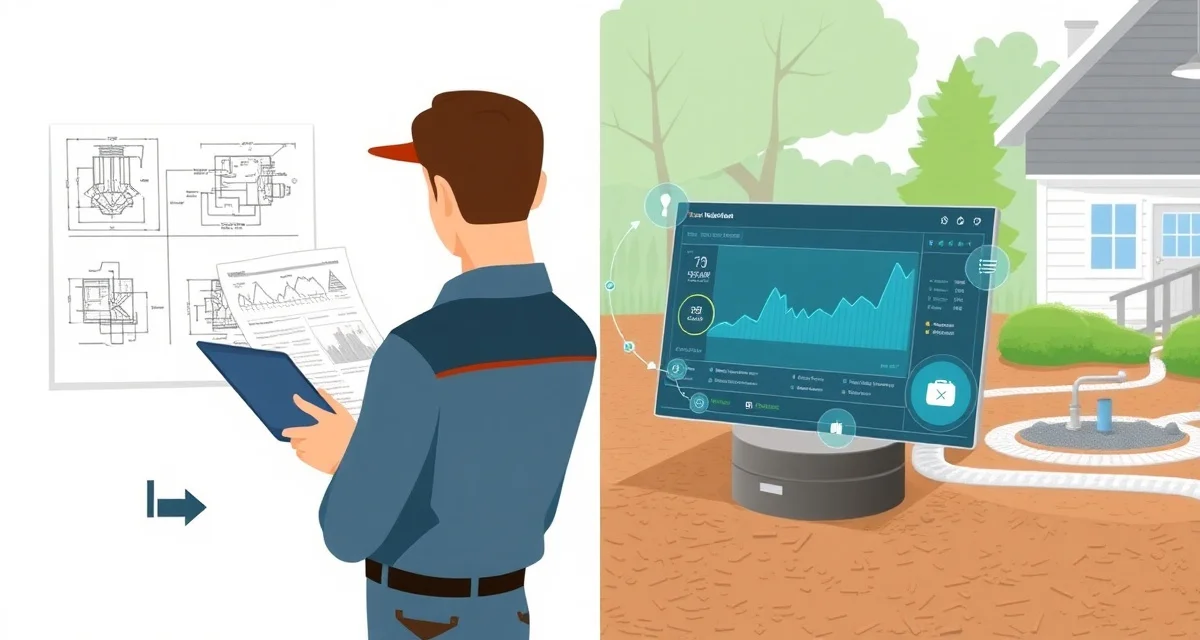
Septic System Design Software Integration: From Design to Service Records
By the SepticMind Editorial Team
Design documents and service records are stored in separate systems for 78% of septic companies. That gap creates a practical problem every time a technician shows up at a property and doesn't know what's actually in the ground. They're guessing at tank size, system type, and drain field location based on what the homeowner can tell them, which is often nothing.
TL;DR
- Septic System Design Software Integration: From Design to Service Records is designed to address the specific workflow and compliance requirements of septic service operations.
- Purpose-built septic software handles permit tracking, state inspection report templates, and tank data management that generic platforms do not offer.
- Companies managing ATU contracts, multi-county permit portfolios, or real estate inspection volume need software designed around those workflows.
- Mobile access allows field technicians to complete and submit inspection reports before leaving a property.
- Cloud-based platforms ensure records are accessible from any device and backed up automatically.
- Switching costs from generic software are real, so evaluating septic-specific platforms early saves migration pain later.
Companies that maintain design documentation in service records resolve field questions three times faster than those without it. The installer knows exactly what's there. The service technician twenty years later should too.
The Documentation Gap Between Installation and Service
When a septic system is designed and installed, a notable amount of technical information gets created: soil evaluation reports, system design plans, permit applications, installer notes, inspection records, and final sign-off documentation. This is the most detailed picture of what's actually in the ground.
Then the system gets installed, the construction file gets filed with the county, and the homeowner gets a copy of something. The installer moves on to the next project. Five years later, a service technician pumps the tank for the first time. They know the address. They do not know the tank capacity, whether there's a distribution box, where the drainfield is, or what condition the baffles were in at installation.
That information exists (it's in the county records and the installer's file) but it's not in the service company's system. Every service visit starts with some level of uncertainty that wastes time and creates risks.
What Design Documentation Tells You at Service Time
When design documentation is linked to a service record, the technician arrives at the job knowing:
Tank size and material. A 1,000-gallon concrete tank and a 1,500-gallon fiberglass tank are serviced differently and have different expected pump intervals. Knowing what's there before the truck arrives is more than a convenience.
System type. Conventional gravity system, mound, pressure distribution, ATU, drip dispersal, cesspool, the system type determines what the service visit involves and what specialized equipment is needed.
Component locations. Where is the tank access lid? Where does the drainfield begin? Is there a distribution box, and where is it? Design plans show these locations as-built. Without them, technicians spend time locating components that should have been easy to find.
Drainfield design parameters. The drainfield's design loading rate tells you whether the system is operating within its design capacity. Knowing the design parameters helps identify whether current use patterns are appropriate.
Setback documentation. Original setback distances from wells, property lines, and structures are in the design documents. When a well is added later or a structure is built near the system, the original setbacks are the baseline for evaluating the change.
Soil conditions. The soil evaluation that drove the system design tells you about drainage rate, depth to water table, and any site-specific conditions that affect how the system performs. Technicians who understand the soil conditions can better interpret what they observe in the field.
How to Import Design Documents Into Service Records
The practical workflow for connecting design documentation to service records:
For newly installed systems. The installer is the best source of design documentation. When your company does installation work, every installation project should end with design documents, as-built plans, and inspection records stored digitally and linked to the customer property record. This creates the baseline that follows the system through its service life.
For existing systems with county records. Most county health departments have digitized their permit records, at least for systems permitted in the last 10-15 years. Request the design documentation for a property when you take on a new account. The county may charge a small fee for records retrieval.
For older systems with unknown documentation. When no design documentation exists (common for systems installed before widespread digital records) your service visit creates the baseline. Document tank size at pump-out, system type, component locations by GPS coordinates, and observed conditions. This is your de facto design record.
For third-party installer documentation. When you're servicing a system installed by a different company, request the installer's records. Many installers will share documentation for systems they no longer service. Alternatively, retrieve from the county.
SepticMind accepts imported design documents and system diagrams to link to customer service records. You can attach PDFs of design plans, as-built drawings, and permit documentation directly to the property record in the system.
Get Started with SepticMind
The right software for a septic company handles compliance and documentation alongside scheduling and billing, not just the basics. SepticMind is built specifically for septic operations, from county permit tracking to ATU maintenance management. Start a free trial to evaluate it against your workflow.
Frequently Asked Questions
How do I import septic system design plans into a service record?
The most straightforward method is to export the design plan as a PDF from your design software (or scan a paper plan) and attach it directly to the customer's property record in SepticMind. SepticMind allows file attachments including PDFs, images, and CAD files linked to property records. You can also manually enter key design parameters (tank size, system type, drainfield area, component locations) as structured data fields that technicians can see in the field app without needing to open a PDF. For systems with existing county permit records, request the digitized records from the county health department and attach them as part of onboarding the account.
Can system design data reduce on-site information gathering time?
Yes, notably. When a technician arrives at a job with the system design in their field app, they know the tank's location from as-built coordinates, the access lid location, the tank size, and the system type before they get out of the truck. This eliminates the most time-consuming part of servicing an unfamiliar property, locating components and establishing what kind of system they're working on. For companies that consistently maintain design documentation in their service records, technicians spend less time per job on setup and more time on the actual service. The time savings are most dramatic on first visits and on properties with complex or alternative system types.
Does SepticMind integrate with septic design software platforms?
SepticMind supports imported design documentation including PDF attachments of design plans, as-built drawings, and permit applications. Key design parameters (tank size, system type, component locations) can be stored as structured data fields in the property record rather than just as document attachments. For companies using specific design platforms, the most practical integration path currently is PDF export and attachment, supplemented by manual entry of the key data fields that technicians need access to in the field. This approach works with all common design platforms. For companies interested in deeper data integration between their design software and SepticMind, the SepticMind API provides options for custom data connections.
What makes Septic System Design Software Integration: From Design to Service Records different from general field service software?
The primary differences are septic-specific features: county permit databases, state inspection report templates formatted for regulatory submission, tank size and system type records that drive service interval calculations, and ATU maintenance contract management. General field service platforms can handle scheduling and invoicing but require manual workarounds for every compliance and documentation task that purpose-built septic software handles automatically.
Is there a free trial available to test the software?
SepticMind offers a free trial period so you can evaluate the platform with your actual workflow before committing. The trial includes access to the permit database, inspection report templates, and scheduling tools. Most companies complete their evaluation within two to three weeks and have a clear picture of how the platform fits their operation before the trial ends.
Try These Free Tools
Sources
- National Onsite Wastewater Recycling Association (NOWRA)
- US EPA Office of Wastewater Management
- NSF International
- Water Environment Federation
- National Environmental Services Center (NESC)