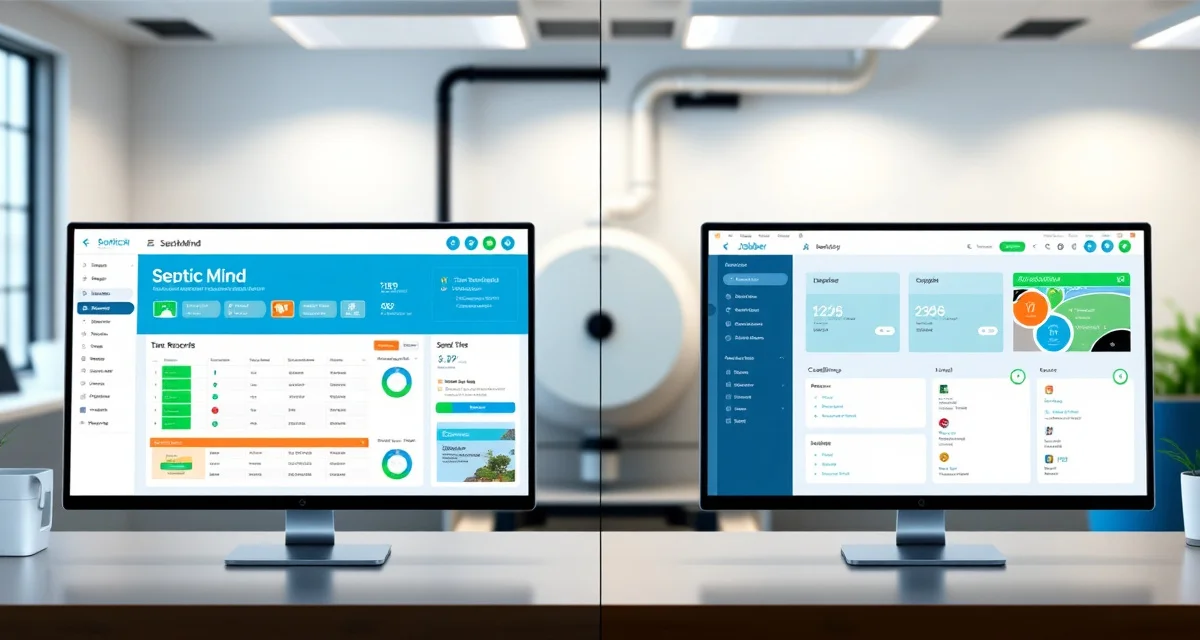
SepticMind vs. Jobber for Septic Companies
By the SepticMind Editorial Team
TL;DR: Jobber is a clean, easy-to-use field service platform with solid scheduling and invoicing. It's a good fit for lawn care, cleaning services, and general handyman companies. It has no septic-specific features, no permit database, no tank records, no inspection templates, no ATU management. For septic companies serious about compliance and operations, SepticMind is the better choice. Jobber is worth considering only if you're in the very early stages and need basic job tracking before anything else.
TL;DR
- Jobber is a capable general field service platform but lacks any septic-specific features: no permit tracking, no state inspection templates, no tank database, and no ATU management.
- For a 1-truck operator focused on residential pumping only, Jobber's $49-$249/month pricing may justify the lack of septic-specific features.
- Companies doing inspection work, ATU management, or multi-county permit tracking hit the limits of Jobber within 6-12 months of growth.
- SepticMind's flat-rate pricing at $79/month covers unlimited users versus Jobber's per-user pricing that scales with team size.
- Migrating from Jobber to SepticMind takes 2-4 weeks including customer data, tank records, and service interval history.
- The most common reason septic companies switch from Jobber to SepticMind is the need for compliance features that Jobber requires manual workarounds to replicate.
Quick Comparison
| Feature | SepticMind | Jobber |
|---|---|---|
| Built for septic | Yes | No |
| County permit database | All 50 states | None |
| State inspection templates | Yes | No |
| Tank size/type database | Yes | No |
| AI service prediction | Yes | No |
| ATU maintenance tracking | Yes | No |
| Pump manifest automation | Yes | No |
| Route optimization | Yes | Basic |
| GPS fleet tracking | Yes | Yes (Core+) |
| Customer portal | Yes | Yes |
| Online booking | Yes | Yes |
| Mobile app | Yes | Yes |
| Starter price | $149/mo | $49/mo (Core) |
| Septic job duration estimation | Yes | No |
| Certification tracking | Yes | No |
Where Jobber Falls Short for Septic Work
No Permit Database or Permit Tracking
Jobber can create a custom job type called "permit required", but that's it. It doesn't know that Buncombe County, North Carolina has a specific environmental health department permit process. It doesn't have forms. It doesn't track permit status through approval, inspection, and close-out. You're building all of that with calendar reminders, sticky notes, and manual tracking.
For a company doing any installation or repair work, permit management is a constant overhead. Without a purpose-built permit tracking system, it falls through the cracks.
No Inspection Report Templates
Jobber's forms module lets you build custom checklists. If you put in the time, you can build something that approximates an inspection checklist. It won't generate a Massachusetts Title 5 Form 3. It won't produce a Florida OSTDS inspection report with all required fields. It won't file directly with the county.
You can build a Jobber form that prompts your inspector to collect the right information, and then manually transcribe it into the state-required form back at the office. That's where errors happen and time gets wasted.
No Tank or System Type Intelligence
When a Jobber user creates a job, they're working with a customer name, address, and job type. There's no native field for tank capacity, no system type database, no understanding that an ATU takes 60 minutes and a gravity system takes 30.
Job duration estimates in Jobber are manually configured. Your dispatcher assigns time blocks based on experience. SepticMind knows the job type from the customer record and estimates duration from actual data.
Scheduling Without Context
Jobber's scheduling is clean and functional for simple service companies. But for septic work, scheduling without tank data is scheduling without the most important variable. If you're booking a day's worth of pumping jobs without knowing which are small tanks and which are large commercial tanks, you're building a schedule that will fall apart by noon.
Where Jobber Does Well
Jobber is not a bad product. For its target market, small home service companies in the early stages of going digital, it delivers a lot for the price.
Ease of use. Jobber's interface is genuinely clean. Setup is fast. Most users are functional within a day or two without any onboarding help.
Online booking. Jobber's customer-facing booking portal is polished. For companies that want customers to book online, Jobber's booking experience is good.
Invoicing and payments. Jobber's invoicing and payment processing are solid. If you're coming from QuickBooks invoicing only, Jobber's payment features are a meaningful step up.
Price. At $49/month for the Core plan, Jobber is accessible for owner-operators just getting started. The lower price point reflects the simpler feature set.
Who Should Use Jobber
Jobber works well for:
- Very small operations (1–2 trucks) focused on simple pumping work with no installation or inspection services
- Companies not yet dealing with cross-county operations or compliance complexity
- Operators who want basic job tracking and invoicing while they're getting their business off the ground
If your business is currently running on paper and the main problem is "I need to track jobs and send invoices," Jobber solves that problem affordably.
As soon as you're doing inspection work, dealing with permit requirements, running multiple trucks, or wanting proactive scheduling, Jobber's limitations become the daily friction you're working around instead of your software working for you.
The Real Cost Comparison
Jobber Core is $49/month. Jobber's Connect plan, which includes features like GPS tracking and QuickBooks sync, is $129/month. Their Grow plan (with marketing features) is $249/month.
SepticMind Professional is $299/month for 3–5 trucks.
The price difference is real. But consider what you're getting for that difference: a county permit database that saves 30–60 minutes of research per installation job, state inspection templates that eliminate report errors and filing delays, AI service prediction that fills your schedule proactively, and ATU maintenance contract management.
For a company doing 1–2 installation jobs per month, the permit database alone saves enough administrative time to justify the difference.
Get Started with SepticMind
SepticMind is designed around the actual workflows of septic service companies, from county permit tracking to automated maintenance reminders. Whether you are managing a single truck or a multi-county fleet, the platform scales with your operation. See how it works for your business.
FAQ
Is Jobber good enough for a small septic pumping company?
For a 1-truck operator focused entirely on routine pumping with no inspection or installation services, Jobber can work. You get basic job tracking, invoicing, and a customer database. The moment you start doing inspection work, permit-required jobs, or ATU maintenance contracts, you'll run into Jobber's limits. Most septic operators find the transition to SepticMind happens within the first 6–12 months of using Jobber, once the compliance gaps become painful.
Can I migrate from Jobber to SepticMind?
Yes. Export your Jobber customer data as a CSV. SepticMind's import tool maps your customer records, job history, and contact information. Service history notes from Jobber can be imported as well. The migration typically takes a few hours of setup work. SepticMind's onboarding team handles the data mapping.
Does SepticMind have the same online booking feature as Jobber?
Yes. SepticMind includes a customer-facing booking portal where homeowners and real estate agents can book appointments directly. The available job types, time windows, and capacity limits are all configurable. When a customer books, the job appears in your SepticMind dispatch queue immediately with their contact information and, if they're an existing customer, their full service history.
What happens when a Jobber user starts doing inspection work and needs state-specific reports?
When a Jobber user takes on inspection work requiring state-formatted reports (Massachusetts Title 5, Florida OSTDS, etc.), they typically find that Jobber provides no inspection templates and no permit tracking. The workflow becomes: complete the inspection, take notes separately, return to the office, and create the report manually in a word processor or separate software. This adds 60-120 minutes per inspection in administrative time and creates transcription error risk. SepticMind generates the state-specific report directly from the inspection data captured on-site, so the report is ready before the technician leaves the property.
What is the data migration process like when switching from Jobber to SepticMind?
Migrating from Jobber to SepticMind involves exporting your customer list from Jobber (CSV format), importing it into SepticMind, and then adding the septic-specific data that Jobber did not capture (tank size, system type, service intervals). SepticMind's onboarding team supports this process. Most companies complete the core migration within two to three weeks and are fully operational on SepticMind within a month. The most time-intensive step is adding tank and system data for existing customers, which can be done over time as accounts come up for service rather than requiring completion before going live.
Try These Free Tools
Sources
- National Onsite Wastewater Recycling Association (NOWRA)
- US EPA Office of Wastewater Management
- NSF International
- Water Environment Federation
- National Environmental Services Center (NESC)