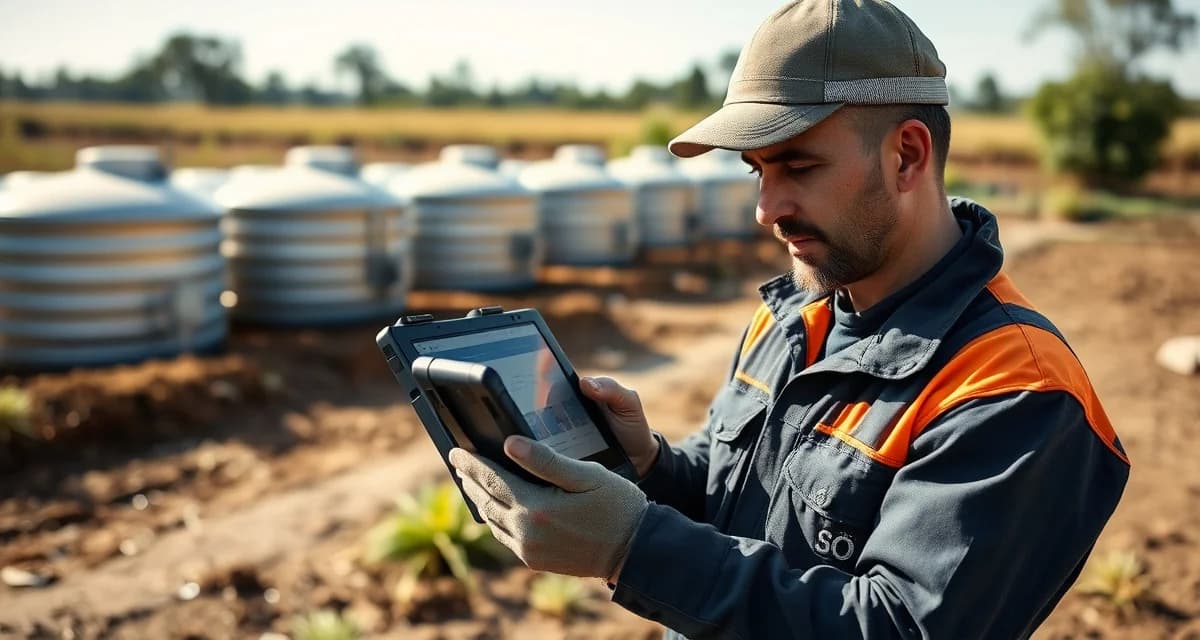
SepticMind Mobile Offline Mode: Work Without Cell Signal
By the SepticMind Editorial Team
25% of septic service calls happen in areas with no reliable cellular signal. Rural septic companies lose an average of 4 jobs per month to connectivity issues with cloud-only tools. Those aren't jobs that didn't exist. They're jobs where the tech arrived, couldn't access the job record or inspection form because there was no signal, and had to fall back to paper or memory.
TL;DR
- SepticMind Mobile Offline Mode: Work Without Cell Signal is designed to address the specific workflow and compliance requirements of septic service operations.
- Purpose-built septic software handles permit tracking, state inspection report templates, and tank data management that generic platforms do not offer.
- Companies managing ATU contracts, multi-county permit portfolios, or real estate inspection volume need software designed around those workflows.
- Mobile access allows field technicians to complete and submit inspection reports before leaving a property.
- Cloud-based platforms ensure records are accessible from any device and backed up automatically.
- Switching costs from generic software are real, so evaluating septic-specific platforms early saves migration pain later.
The operational compromise of "just use paper when there's no signal" is how digital adoption fails. If the system works 75% of the time and you need a backup for the other 25%, you end up maintaining both the digital system and the paper backup. Eventually the paper backup becomes the default because it works everywhere.
SepticMind's offline mode eliminates this problem. Here's how it works.
How Offline Mode Works
The design principle is simple: download what the tech needs before they leave signal coverage, let them work normally in the offline environment, and sync everything back when signal returns.
Download step. When the tech opens their job schedule for the day, the app downloads all job records for the day's schedule to the device. This includes: customer information, property access notes, system data (tank size, type, prior service notes), job type and checklist, any existing photos from prior visits, and permit status. All of this lives on the device.
Offline operation. When the tech drives into an area without cellular coverage, they open the job record they need, view all downloaded information, complete the inspection checklist, take photos (which store locally), add service notes, and record job completion. Everything works exactly as it does with connectivity. The tech doesn't notice a difference in the workflow.
Sync. When the tech drives back into cellular range, everything syncs automatically. New photos, completed inspection forms, service notes, and job completion status all upload to the platform. The office sees the updates in real time once sync completes.
No manual sync button. No "please wait, syncing" message at an inconvenient moment. It just happens when signal is available.
What Features Are Available in Offline Mode?
What SepticMind features are available in offline mode without internet?
The offline mode supports all field work functions:
- View complete job details and customer information
- View service history from prior visits
- Complete inspection checklists for any system type
- Take photos and attach them to the job record
- Add service notes and findings
- Record job start time and completion time
- View permit status and requirements
- Access the tank size database for the job property
What offline mode doesn't support: creating new customers, accessing records for jobs that weren't on the downloaded schedule (if a new job comes in via dispatch while the tech is offline), or real-time updates to the dispatch board.
For rural companies where an entire day's route may be in low-signal territory, the morning schedule download is the critical step. As long as the tech syncs their schedule before leaving the yard, the day's work is accessible.
How Quickly Does Sync Happen on Signal Return?
How quickly does SepticMind sync offline data when cell signal is restored?
Sync begins automatically as soon as cellular signal registers. For a single job completion (notes, photos, status update), sync typically completes in 30-60 seconds on a standard LTE connection. A full day's offline work, multiple jobs with photos, syncs in under five minutes when the tech reaches good signal.
There's no backlog accumulation. Each sync event uploads everything since the last connection and clears the local queue. The office sees updates flowing in as the tech drives back toward cellular coverage.
Offline Mode for Inspection Work
The offline capability is particularly important for inspection companies. Inspection work requires:
- Accessing the inspection checklist (downloaded with the job)
- Working through each component and entering findings (all local)
- Taking photos of each inspected component (stored locally with automatic timestamp)
- Reviewing the generated report before sending (the report preview generates from local data)
The report can be previewed and finalized in offline mode. Delivery to the agent and lender happens when sync completes, typically before the tech reaches the next job.
Does offline mode work for inspection report completion and photo documentation? Yes, fully. The inspection form is available offline, photos attach to the correct component in offline mode, and the report generates from the offline-entered data. Delivery to designated recipients happens on sync.
Rural Company Considerations
For companies where most of your service area has spotty or no cellular coverage, a few practices make offline mode most effective:
Schedule download every morning. Make downloading the day's schedule the first step of the tech's morning routine, while they're still in the yard with WiFi available. This ensures the full day's records are on the device before they leave.
Know your sync points. Identify the roads and locations where your techs reliably have connectivity on their routes. These are the points where photos and completed jobs sync, and where new dispatch updates can be received.
Emergency communication plan. In areas with no signal, your tech may be unreachable for extended periods. Make sure your dispatch protocol accounts for this, including expected check-in times and what to do if a tech is overdue.
Get Started with SepticMind
The right software for a septic company handles compliance and documentation alongside scheduling and billing. SepticMind is built specifically for septic operations, from county permit tracking to ATU maintenance management. Start a free trial to evaluate it against your workflow.
Frequently Asked Questions
What SepticMind features are available in offline mode without internet?
In offline mode, technicians have full access to all job details and customer information downloaded for their schedule, complete inspection checklists for any system type, photo capture with automatic component attachment, service note entry, job start and completion time recording, permit status information, and tank size database records. The inspection form can be completed in full offline mode, including generating a report preview. Delivery to report recipients happens automatically when cellular connectivity is restored.
How quickly does SepticMind sync offline data when cell signal is restored?
Sync begins automatically the moment cellular signal registers, with no manual action required from the technician. A single job's offline data (notes, photos, status) typically syncs in 30-60 seconds on a standard LTE connection. A full day of offline work across multiple jobs with photos syncs in under five minutes. The sync process runs in the background without interrupting the technician's work, and the office sees updates flowing in as the sync completes.
Does offline mode work for inspection report completion and photo documentation?
Yes. The complete inspection workflow is available in offline mode. Technicians work through the inspection checklist on their downloaded job record, take photos (which store locally and attach to the appropriate component automatically), enter condition ratings and any free-text findings, and generate a report preview from the locally stored data. When cellular signal returns, the completed inspection data syncs and the report is delivered to the designated recipients (real estate agent, lender, homeowner) automatically. The inspection workflow functions identically in offline and online modes.
What makes SepticMind Mobile Offline Mode: Work Without Cell Signal different from general field service software?
The primary differences are septic-specific features: county permit databases, state inspection report templates formatted for regulatory submission, tank size and system type records that drive service interval calculations, and ATU maintenance contract management. General field service platforms can handle scheduling and invoicing but require manual workarounds for every compliance and documentation task that purpose-built septic software handles automatically.
Is there a free trial available to test the software?
SepticMind offers a free trial period so you can evaluate the platform with your actual workflow before committing. The trial includes access to the permit database, inspection report templates, and scheduling tools. Most companies complete their evaluation within two to three weeks and have a clear picture of how the platform fits their operation before the trial ends.
Try These Free Tools
Sources
- National Onsite Wastewater Recycling Association (NOWRA)
- US EPA Office of Wastewater Management
- NSF International
- Water Environment Federation
- National Environmental Services Center (NESC)