Workforce Technology for Septic Companies: Apps, Devices, and Connectivity
By the SepticMind Editorial Team
Companies that standardize on one field platform reduce tech support calls by 71%. That statistic captures something important: the biggest technology problem for most septic companies isn't finding the right app -- it's the chaos that comes from having technicians using four different devices, two different apps, and texting photos to a dispatcher who's entering data into a third system.
TL;DR
- Workforce Technology for Septic Companies: Apps, Devices, and Connectivity is designed to address the specific workflow and compliance requirements of septic service operations.
- Purpose-built septic software handles permit tracking, state inspection report templates, and tank data management that generic platforms do not offer.
- Companies managing ATU contracts, multi-county permit portfolios, or real estate inspection volume need software designed around those workflows.
- Mobile access allows field technicians to complete and submit inspection reports before leaving a property.
- Cloud-based platforms ensure records are accessible from any device and backed up automatically.
- Switching costs from generic software are real, so evaluating septic-specific platforms early saves migration pain later.
Companies using mismatched or incompatible field technology waste an average of 4 hours per week on workarounds. Over a year, that's 200 hours per employee of time spent dealing with technology that doesn't work together rather than actually doing work. Getting the technology setup right from the start -- or fixing it if it's already broken -- pays off quickly.
The Basic Technology Stack for Field Crews
A functional field technology setup for septic technicians has four layers:
- The device (phone or tablet)
- The field service management app (where jobs, customer records, and documentation live)
- The connectivity solution (how the device stays connected in rural areas)
- The peripheral tools (GPS, camera, signature capture)
Most companies overengineer layers 3 and 4 while underinvesting in layer 2. The field service management app is where technicians spend most of their time, and it needs to be built for the specific workflows of a septic company, not adapted from a generic field service template.
SepticMind works on iOS and Android on any tablet or smartphone with no proprietary hardware required. That matters because it means you can choose the device that works for your crew without being locked into a vendor's hardware ecosystem.
Phones vs Tablets: Which Works Better in the Field?
Both work. The choice depends on how your technicians use the device during a job.
Smartphones are more practical for technicians who primarily use the device to receive jobs, call customers, and log completion data. They fit in a pocket, are always on hand, and have better cellular coverage than tablets in most areas because they've been optimized for connectivity. The trade-off is screen size -- entering detailed inspection notes or reviewing complex job histories on a 6-inch screen is harder than on a 10-inch tablet.
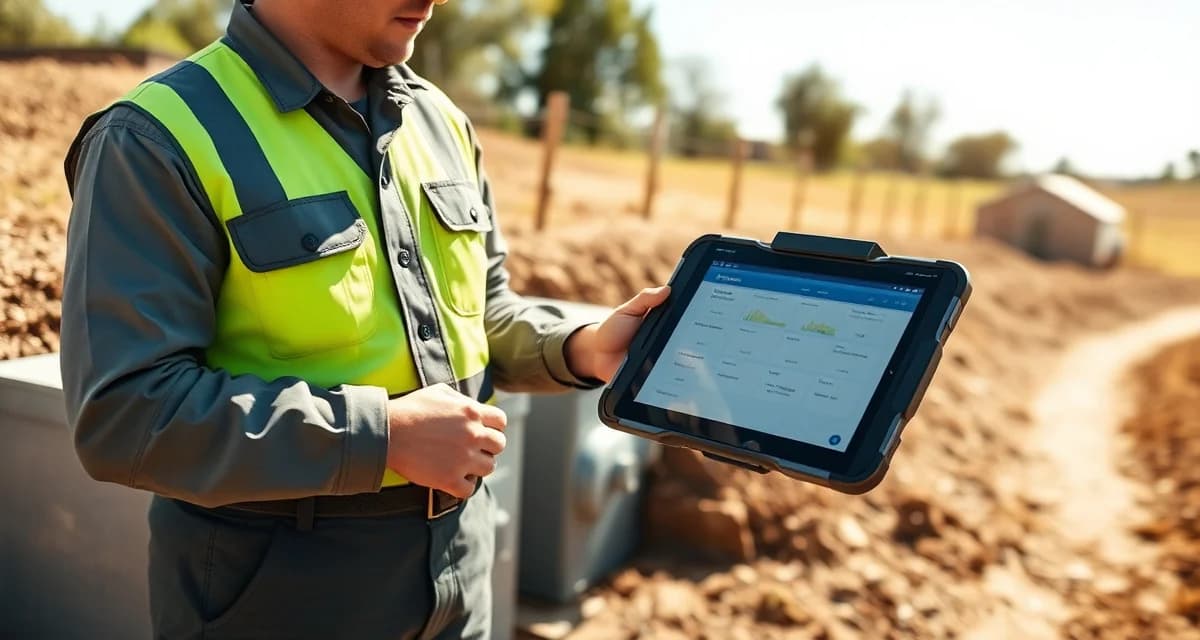
Tablets work better for technicians who complete detailed inspection reports, take photos that need to be annotated or reviewed at full size, and work through multi-step job checklists. A 10-inch tablet is a meaningful upgrade for completing septic inspection reports in the field because you can see all the form fields at once without excessive scrolling.
The practical answer for most companies:
- Standard pumping techs: smartphone
- Inspection technicians: tablet
Some companies issue both -- a phone for calls and routing, a tablet for documentation. This is reasonable if technicians have dedicated storage in the truck cab, but it creates management complexity if technicians have to keep track of two devices.
Device Ruggedness for Field Use
Septic technicians work in conditions that destroy consumer electronics quickly. Water exposure, dust, physical impacts, and extreme temperature swings are daily realities.
For any device issued to field crews:
- Choose models with at least IP67 water resistance rating
- Use heavy-duty protective cases with screen protectors
- Specify devices with USB-C charging and carry charging cables in every truck
- Set up automatic cloud backup so a dropped device doesn't lose work
Some companies use dedicated rugged devices designed for field work (brands like Durabook, Panasonic Toughbook, or Samsung Galaxy XCover). These cost more but survive longer in field conditions. For most septic companies, a consumer-grade phone or tablet in a quality rugged case is a reasonable compromise.
Connectivity in Rural Service Areas
This is where most field technology setups fail. Rural septic service areas often have spotty cellular coverage, and a field service app that requires continuous connectivity will fail exactly when a technician is trying to complete a job in a dead zone.
The solution is an app with full offline capability. Your technicians need to be able to:
- View their full job queue for the day without connectivity
- Access customer records, tank location notes, and service history offline
- Complete job documentation and photo capture offline
- Sync all completed data automatically when connectivity is restored
SepticMind's mobile offline mode handles all of these workflows, queuing changes locally and syncing when connection is available. This is not a nice-to-have for rural operators -- it's a hard requirement.
For areas with persistent connectivity problems, a cellular signal booster mounted in the truck can improve reception significantly. WeBoost and similar products improve signal strength in fringe areas without requiring technicians to leave their trucks to get a connection.
WiFi hotspots can supplement cellular in some situations (at the shop, in areas with known dead zones where the tech can connect to a local network), but they're not a substitute for a field app that works offline.
GPS and Location Tools
GPS functionality serves two purposes in a septic field operation: navigation and tank location.
For navigation, both iOS and Android devices handle this natively with Google Maps or Apple Maps. Integrations with Google Maps are standard in most field service apps. No separate GPS device is needed for routing.
For tank location -- the more specialized need -- additional tools are helpful:
Ground marking: Many technicians use GPS coordinates recorded in the customer record to locate buried tanks. This requires recording accurate coordinates during the initial installation or first service visit and storing them in the field service software where they're retrievable on any subsequent visit.
Probe tools: Physical probing tools (soil probes, tank rods) are still the primary field method for locating unmarked tanks. GPS assists the search but doesn't replace physical location methods.
Locating devices: Electronic locating equipment uses signal transmission to find buried tank components. These are specialized tools that experienced inspection companies invest in but not every pumping company needs.
Photo Documentation
Photo documentation has become a standard part of professional septic service, not just inspection work. Photos attached to service records show the condition found, work performed, and system access points for future visits.
The native cameras on modern smartphones and tablets are sufficient for most septic service photo needs. The workflow that matters is how photos get from the device into the job record:
- Photos taken inside the field app attach directly to the job record
- Photos taken with the native camera need a separate upload step, which technicians frequently skip
Train technicians to capture photos from within the field service app rather than the native camera. This one practice change dramatically improves photo documentation compliance because it eliminates the extra step.
Technician Training on New Technology
The technology only works if technicians use it correctly. Companies that roll out new field technology without structured training end up with inconsistent usage, workarounds, and the same documentation problems they were trying to solve.
Effective technician technology training:
- Walk through every workflow step-by-step in a training session before the first day of use
- Have technicians complete a practice job in the system before working live accounts
- Identify one "tech champion" on the crew who becomes the go-to for questions
- Check data quality in the first two weeks and correct issues while they're still habits, not established behavior
The septic technician tracking software page covers how to monitor field usage and data quality after rollout.
Get Started with SepticMind
The right software for a septic company handles compliance and documentation alongside scheduling and billing. SepticMind is built specifically for septic operations, from county permit tracking to ATU maintenance management. Start a free trial to evaluate it against your workflow.
Frequently Asked Questions
What devices work best for septic technicians using SepticMind in the field?
SepticMind runs on any iOS or Android smartphone or tablet, so you're not locked into specific hardware. For most pumping technicians, a modern smartphone in a rugged case is sufficient. For inspection technicians who complete detailed reports and capture multiple photos per job, a 10-inch tablet provides a meaningfully better experience. Regardless of device type, prioritize models with at least IP67 water resistance and pair them with quality protective cases for field durability. The most important factor is not the device spec but ensuring the device has reliable cellular coverage in your service area, supplemented by offline capability for dead zones.
Should I use tablets or phones for my septic technicians in the field?
Both work well for different use cases. Smartphones are more practical for technicians whose primary field technology use is receiving jobs, navigation, and logging completion data. Tablets are better for inspection-focused technicians who complete multi-section reports, annotate photos, and work through detailed checklists. If your team does both pumping and inspection, consider issuing tablets to inspection-certified technicians and smartphones to pumping-only crew members. Standardizing on one device type per role reduces training complexity and tech support burden.
What connectivity setup is recommended for rural septic service areas?
The foundation is a field service app with reliable offline capability that caches job data locally and syncs when connectivity is available. Without this, spotty rural coverage creates documentation failures throughout the day. Beyond that, a cellular signal booster mounted in the service truck improves reception in fringe areas without requiring cellular carrier changes. For technicians with severe dead zone problems, pre-downloading job data at the shop before leaving in the morning ensures they have everything they need regardless of connectivity. Test your chosen app in your specific service areas before committing to make sure the offline experience is truly functional.
What makes Workforce Technology for Septic Companies: Apps, Devices, and Connectivity different from general field service software?
The primary differences are septic-specific features: county permit databases, state inspection report templates formatted for regulatory submission, tank size and system type records that drive service interval calculations, and ATU maintenance contract management. General field service platforms can handle scheduling and invoicing but require manual workarounds for every compliance and documentation task that purpose-built septic software handles automatically.
Is there a free trial available to test the software?
SepticMind offers a free trial period so you can evaluate the platform with your actual workflow before committing. The trial includes access to the permit database, inspection report templates, and scheduling tools. Most companies complete their evaluation within two to three weeks and have a clear picture of how the platform fits their operation before the trial ends.
Try These Free Tools
Sources
- National Onsite Wastewater Recycling Association (NOWRA)
- US EPA Office of Wastewater Management
- National Environmental Services Center (NESC)
- Water Environment Federation
- Occupational Safety and Health Administration (OSHA)