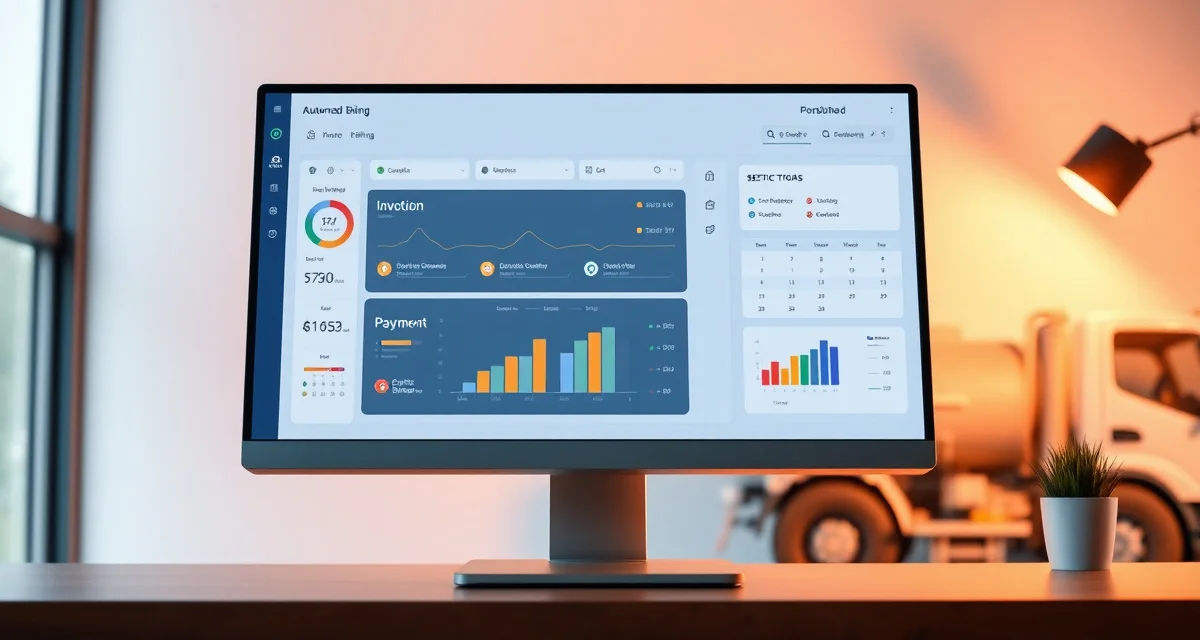
Septic Service Billing Automation: Send Invoices Without Office Staff
By the SepticMind Editorial Team
Automated billing reduces accounts receivable aging by an average of 18 days for septic companies. Manual billing cycles add 3-5 days to average payment time, creating cash flow gaps that show up as operational stress, tight payroll periods, delayed equipment purchases, reliance on a credit line to bridge what should be cash in hand.
TL;DR
- Septic Service Billing Automation: Send Invoices Without Office Staff is designed to address the specific workflow and compliance requirements of septic service operations.
- Purpose-built septic software handles permit tracking, state inspection report templates, and tank data management that generic platforms do not offer.
- Companies managing ATU contracts, multi-county permit portfolios, or real estate inspection volume need software designed around those workflows.
- Mobile access allows field technicians to complete and submit inspection reports before leaving a property.
- Cloud-based platforms ensure records are accessible from any device and backed up automatically.
- Switching costs from generic software are real, so evaluating septic-specific platforms early saves migration pain later.
SepticMind auto-generates and delivers invoices the moment a technician marks a job complete in the field, collapsing a 3-5 day delay into minutes.
The Manual Billing Problem
Manual billing in a septic company typically works like this: the technician completes a job and records it on a paper ticket or in a basic app. The ticket goes back to the office, either physically or through a photo. The office staff enters the job information into the billing system, creates the invoice, and sends it to the customer. Then they wait.
Each handoff in that sequence adds time. A paper ticket that arrives Monday might not be entered until Wednesday if the office is busy. An invoice generated Wednesday might sit until the batch-email send on Friday. The customer receives the invoice Friday, pays it whenever they pay their bills, and the check arrives 10-14 days later if you're lucky.
The result: a job completed on Monday generates payment 15-21 days later. For a company doing 15-20 jobs per day, that payment lag represents tens of thousands of dollars sitting in accounts receivable that could be in your bank account.
How Billing Automation Changes the Cycle
Automated billing eliminates the manual steps between job completion and invoice delivery:
Job completion trigger. When a technician marks a job complete in SepticMind's field app, the completion event triggers automated billing. No manual entry required. No office staff action needed.
Invoice generation. The invoice generates automatically from the job record: service type, date, customer information, pricing from your configured rate schedule, and any job-specific charges entered by the technician.
Automatic delivery. The invoice delivers automatically to the customer's email address on record. Customers receive invoices within minutes of service completion rather than days.
Payment links. Invoices include a payment link that allows customers to pay immediately by credit card or ACH transfer. The barrier to immediate payment is as low as it can be: one click from an invoice they just received.
Automated reminders. If the invoice isn't paid within your configured timeframe, automated reminder messages go out on schedule (day 7, day 14, day 21) without any staff action.
Setting Up Your Rate Schedule for Automated Billing
Automated billing is only as accurate as the rate schedule behind it. Before enabling billing automation, configure your complete rate schedule in SepticMind:
Standard service types. Create a rate for every service type you perform: residential pump-out by tank size, commercial pump-out, inspection (by type), ATU maintenance, emergency service. Each service type should have a defined base price that populates automatically when that service type is selected for a job.
Tank size pricing. If your pump-out pricing varies by tank size, configure the rate by tank size. The system links tank size from the property record to the applicable price, so the right price populates without manual selection.
Additional charges. Configure items for commonly added charges: excessive sludge, additional pump-out stops, filter replacement, additional hose runs, after-hours premium. Technicians can add these from a defined list in the field rather than entering freeform charges that billing staff have to interpret.
Tax configuration. Configure any applicable sales tax by state and service type. In states where septic service is taxable, automated tax calculation prevents the errors that occur with manual tax application.
Recurring Billing for Maintenance Agreements
The highest-value billing automation application for septic companies is recurring billing for service agreements. Customers on annual or quarterly maintenance agreements shouldn't require invoice generation and payment collection for each service visit, the payment should process automatically.
SepticMind's service agreement management supports recurring billing schedules: monthly, quarterly, or annual billing that processes automatically on the configured schedule. The customer provides payment authorization once; subsequent charges process without any customer action or staff involvement.
For a company with 200 active service agreements at $150/year, recurring billing automation eliminates 200 annual invoice-and-collection sequences. That's 200 invoices that don't need to be manually generated, 200 payments that don't need to be manually tracked, and 200 potential late-payment follow-up sequences that never need to happen.
Integration With Your Accounting Software
Automated billing that doesn't connect to your accounting system still requires manual reconciliation. The goal is an end-to-end automated flow: job completion to invoice to payment to accounting record with no manual data entry anywhere in the chain.
SepticMind's invoicing software connects with QuickBooks (Online and Desktop) and other common accounting packages. When an invoice is generated and paid in SepticMind, the payment records automatically in your accounting system. Bank reconciliation reflects the real payment dates, and your revenue reports in QuickBooks match your SepticMind job records without manual reconciliation.
Handling Exceptions in an Automated System
Automation doesn't mean zero staff involvement, it means that staff handles exceptions rather than routine processing. The exceptions worth configuring manual review steps for:
Large invoices. Set a threshold (for example, invoices over $1,500) that queue for manager review before automatic delivery. This prevents the situation where an unusually large charge goes out to a customer without anyone verifying it's correct.
New customers. First-time customers who you don't yet have credit information on may warrant manual review before extending net terms. Configure new-customer invoices for immediate payment required rather than net-30 terms.
Disputed charges. When a customer disputes a charge, mark the job record accordingly so future invoicing and reminder automation doesn't continue sending reminders for a disputed amount. Staff handles disputed billing manually.
Measuring the Impact of Billing Automation
Track these metrics before and after implementing billing automation to quantify the improvement:
Average days to invoice. This is the lag between job completion and invoice delivery. Manual billing typically runs 3-5 days; automation should bring this to less than 1 day.
Average days to payment. Customers pay faster when they receive invoices faster. An 18-day reduction in accounts receivable aging is achievable with automation combined with payment links.
Outstanding AR balance. Total receivables outstanding should decline as days to payment improves. For a company doing $50,000 per month in revenue, an 18-day improvement in payment timing represents roughly $30,000 less in outstanding receivables, cash that's in your account rather than your customers'.
Collections activity. Track how many invoices require a manual collection call. Automated reminders should reduce the volume of invoices that need human follow-up to collect.
Get Started with SepticMind
Running a profitable septic business means managing compliance, customer relationships, and field operations without letting any of them slip. SepticMind handles the operational and compliance infrastructure so you can focus on growing the business. See what the platform can do for your operation.
Frequently Asked Questions
How do I automate the billing cycle for my septic service company?
Start with a field service software platform that supports automated invoice generation from job completion events. Configure your complete rate schedule so prices populate automatically from job type and property data. Enable automatic invoice delivery by email so invoices go out when jobs are marked complete without staff action. Add payment links to invoices so customers can pay immediately by card or bank transfer. Configure automated reminder sequences for unpaid invoices on a defined schedule. Connect the billing system to your accounting software to eliminate manual reconciliation. The result is a billing cycle where the technician's field completion action triggers everything through to payment receipt without office staff involvement in routine transactions.
Does SepticMind send payment reminders for unpaid invoices automatically?
Yes. SepticMind's billing automation includes configurable automated reminder sequences for unpaid invoices. You define the timing: for example, a gentle reminder at 7 days past due, a follow-up at 14 days, and a final notice at 21 days. Each reminder message is customizable, tone and content can escalate appropriately through the sequence. Reminders go out automatically based on the invoice payment status; staff doesn't need to monitor AR aging and manually send reminders. For invoices that reach the end of your automated reminder sequence without payment, the system flags them for manual staff follow-up. This creates a consistent collection process where automation handles routine reminders and staff focuses on the genuinely difficult collections.
Can I set up automatic recurring billing for maintenance agreement customers?
Yes. SepticMind's recurring billing feature processes maintenance agreement payments on a configured schedule without customer or staff action for each billing cycle. You set up the customer's recurring billing agreement: amount, frequency (monthly, quarterly, annual), and payment method. Subsequent charges process automatically on schedule. The customer receives an automated receipt when each charge processes. For annual agreements, the billing processes once per year without requiring invoice generation, customer payment action, or staff collection effort. Recurring billing is the highest-value automation for septic companies because service agreement customers generate predictable revenue, and automating that billing eliminates the friction that makes service agreements difficult to manage at scale.
What makes Septic Service Billing Automation: Send Invoices Without Office Staff different from general field service software?
The primary differences are septic-specific features: county permit databases, state inspection report templates formatted for regulatory submission, tank size and system type records that drive service interval calculations, and ATU maintenance contract management. General field service platforms can handle scheduling and invoicing but require manual workarounds for every compliance and documentation task that purpose-built septic software handles automatically.
Is there a free trial available to test the software?
SepticMind offers a free trial period so you can evaluate the platform with your actual workflow before committing. The trial includes access to the permit database, inspection report templates, and scheduling tools. Most companies complete their evaluation within two to three weeks and have a clear picture of how the platform fits their operation before the trial ends.
Try These Free Tools
Sources
- National Onsite Wastewater Recycling Association (NOWRA)
- US EPA Office of Wastewater Management
- National Environmental Services Center (NESC)
- Water Environment Federation
- Occupational Safety and Health Administration (OSHA)