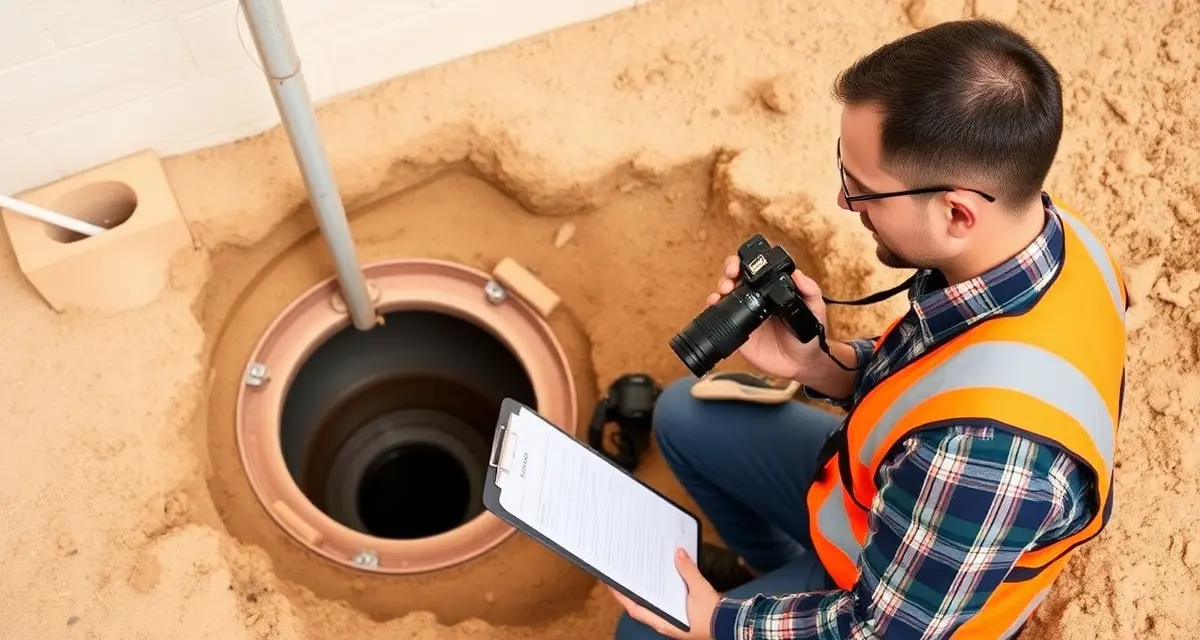
Photo Documentation for Septic Inspections: Best Practices and Tools
By the SepticMind Editorial Team
Ask any septic contractor who's been in a dispute about an inspection they completed six months ago. They'll tell you the same thing. The tech remembers what he found. The homeowner remembers something different. The real estate agent remembers what was convenient for the closing. And without photographs, you're standing in front of a lender's attorney with nothing but your technician's word and a two-sentence note on a paper form.
TL;DR
- Septic inspections require state-specific report formats that must be completed correctly before they are accepted by regulators, lenders, or buyers.
- Photo documentation with timestamps and GPS coordinates is the minimum standard for defensible inspection reports.
- Real estate inspection reports in most states must be filed with the county health department within a specified timeframe.
- Inspector credentials must be current and visible on every submitted report; expired credentials are grounds for report rejection.
- Digital inspection tools reduce report completion time from hours to minutes and eliminate transcription errors.
- Consistent documentation quality across all technicians protects company reputation in the real estate inspection market.
Photo-documented inspection reports reduce customer disputes by 71%. That's not just about winning arguments. It's about not having the argument in the first place. When you can show a clear, timestamped photo of the inlet baffle condition before you touched anything, there's nothing to dispute.
Here's how to build a photo documentation standard that protects your company and satisfies every audience you're reporting to.
How Many Photos Should a Septic Inspection Include?
The short answer: enough to document every material finding, and enough to show the system's condition before and after any work performed.
The practical answer for a standard residential inspection: 12-20 photos minimum.
Here's what that looks like:
Baseline documentation (every inspection):
- Tank lid and access before opening (shows location and access condition)
- Inside the tank with lids open (overall view)
- Inlet baffle, close-up showing condition
- Outlet baffle, close-up showing condition
- Sludge probe or tape in tank with measurement readable in the frame
- Distribution box interior (if accessible)
- Drainfield area, general view showing surface condition
- Any evidence of surfacing effluent or wet spots
- Tank after pumping, interior condition
- Pump floats and wiring (for pump systems)
Additional documentation for specific conditions:
- Any cracked or damaged tank walls or baffles
- Infiltration or roots entering the tank
- Evidence of backup in inlet line (foam, debris)
- Drainfield saturation (probe photos showing effluent depth)
- ATU aeration chamber, blower, and pump chamber
- Mound system inspection ports
- Control panel for any powered component
For commercial properties or larger systems, add:
- Grease interceptor interior (for restaurant accounts)
- Each tank compartment if the system has multiple tanks
- Treatment component readings (for engineered systems)
What to Photograph and When
Timing matters as much as what you photograph. The standard that holds up in disputes and satisfies lenders is documentation taken in a specific sequence:
Before any work begins
Photograph the property approach to the tank and the access point. This establishes where the system is located and what condition the surface was in when you arrived. If there's existing damage to the access cover, document it now. If there's evidence of a problem before you open anything, photograph it now.
After opening, before pumping
This is the most critical documentation point. Before you pump, photograph:
- The tank interior with any visible sludge and scum layers
- The inlet and outlet baffles, these are the components most likely to be disputed if a buyer or lender has questions later
- Sludge depth measurement in the frame
- Any visible structural issues (cracks, root intrusion, damaged baffles)
- The distribution box interior if accessible
These photos document the system's condition as you found it. They're your protection if a customer later claims you damaged a baffle during pumping.
During pumping (if applicable)
Some inspection types benefit from photos showing the pumping process, particularly for real estate inspections where lenders want evidence the system was fully pumped. For commercial grease traps, before and after pumping photos are often required.
After pumping, before closing
- Cleaned tank interior showing structural condition
- Any repairs completed during the service call
- Any access riser installation or repair
- The distribution box after inspection
Final documentation
The finished property with access restored. This closes the documentation loop and shows the property was left in proper condition.
Camera and Equipment Best Practices
You don't need expensive camera equipment for inspection photos. Modern smartphones take photographs that are more than adequate for inspection reports and lender submissions. What matters is how you use them.
Always use the phone's flash for tank interior photos. Without it, the images are dark and unusable. Many techs turn off flash because it's easier in bright outdoor conditions, fine for surface photos, but mandate flash for any interior tank photography.
Get the full component in the frame. A photo of an inlet baffle that's so close you can only see part of it isn't useful for documentation. Step back (or use the phone's wide-angle lens) to show the component in context within the tank.
Keep the measurement readable in the photo. When photographing sludge depth, make sure the measurement scale on the probe or tape is legible in the image. A photo showing a probe in a tank that doesn't show the measurement reading is useless as documentation.
Photograph problems from multiple angles. If there's a cracked baffle, a damaged tank wall, or surfacing effluent, take at least three photos: one wide shot showing context, one close-up showing the condition, and one that shows the location relative to the tank or property.
Don't clean up a finding before documenting it. Some techs instinctively remove debris or pump back surfacing effluent before photographing. Don't. Document the condition as found, then perform the service, then document after.
GPS Tagging and Timestamps: Why They Matter
Modern inspection photo documentation isn't just about having images. It's about having verifiable images.
GPS coordinates embedded in a photo's EXIF data confirm the photo was taken at the subject property. A timestamp confirms when. Together, they make a photo record that's substantially harder to dispute than an undated, unlabeled print.
Most phone cameras embed GPS data automatically if location services are enabled for the camera app. If your techs are using a field inspection app, look for one that geo-tags photos at capture rather than relying on phone settings, some devices prompt to disable location for photos, which techs will often do for privacy reasons without understanding the documentation implications.
SepticMind's photo documentation automatically tags every captured image with GPS coordinates and a timestamp at the moment of capture. These are embedded in the image file and displayed in the inspection report, so the lender or customer reviewing the report can see exactly where and when each photo was taken.
How Photos Integrate With Inspection Reports
Standalone photos in a folder are useful for storage but not for reporting. What you want is photos that are embedded directly in the inspection report, tied to the specific findings they document.
The standard approach in paper-based shops is to attach printed photos to the back of the report, or email photos separately with a note saying "see attached." Both approaches create problems. Photos that are attached separately can get separated from the report. Photos not tied to specific findings leave the reader guessing about what they're looking at.
The right approach: photos are embedded in the report at the point where the finding is documented. When a report says "outlet baffle shows cracking at the tee, see photo," the photo appears immediately below or beside that finding in the report. The reader doesn't have to flip to an appendix or open a separate file.
SepticMind embeds photos directly in the inspection report at the relevant finding. When you tap to attach a photo to a specific field in the inspection form, the photo appears in that section of the final PDF report. Lenders, real estate agents, and customers see a clean, organized report where every photo is contextualized by the finding it documents.
Get Started with SepticMind
Inspection work is the highest-visibility service in the septic trade, and your documentation quality directly affects your reputation with real estate agents, lenders, and county officials. SepticMind generates state-formatted inspection reports in the field with photo documentation attached. See how it supports your inspection workflow.
FAQ
How many photos should a septic inspection report include?
A standard residential septic inspection should include at minimum 12-20 photos covering: tank access and exterior, tank interior before pumping (showing baffles and sludge depth), distribution box, drainfield condition, any specific findings that require documentation, and the system after service. For real estate inspections, err toward more photos rather than fewer, lenders and underwriters increasingly expect comprehensive photo documentation and are more likely to accept a report with thorough photographic evidence than one with minimal documentation. For commercial properties and larger systems, 25-40 photos is reasonable.
What angles and components should be photographed during an inspection?
Photograph every component you inspect, from an angle that shows the component in context within the system. For the tank interior: wide shot of the full interior with lids open, close-up of inlet baffle, close-up of outlet baffle, sludge depth measurement in frame, and any damaged or concerning components from multiple angles. For the drainfield: a general surface view looking for saturation or surfacing effluent, any wet spots or lush vegetation patterns, and probe measurements if you're performing a drainfield evaluation. For ATUs and pump systems: control panel, float switches, pump chamber water level, and blower unit.
How are inspection photos stored and shared with clients?
Photos captured through SepticMind are stored in the customer's service record permanently, tied to the specific inspection they were taken during. They're accessible from any device with your account login. The finished inspection report PDF includes embedded photos within the relevant report sections. Reports are shared with customers, real estate agents, and lenders directly from the app as a PDF. The original photos remain in the record even after the report is delivered, so you have the source files if an issue arises months after the inspection.
What is the difference between a septic inspection and a septic pump-out?
A pump-out removes accumulated sludge and scum from the tank. An inspection evaluates the condition of all accessible system components: tank structure, baffles, distribution box, drainfield, and in some cases the outlet line. A real estate or regulatory inspection produces a written report in the state-required format with findings and a pass/conditional pass/fail determination. Many inspection visits include a pump-out as part of the service, but the pump-out alone is not the inspection.
Can inspection reports be submitted electronically to the county?
Yes, most counties and state agencies accept electronic inspection report submissions and many now prefer or require them. The report must be in the state-required format and include all required fields, the inspector's credentials, and any required signatures or attestations. Purpose-built inspection software generates the report in the correct state format and can submit it electronically directly from the field.
Try These Free Tools
Sources
- National Onsite Wastewater Recycling Association (NOWRA)
- US EPA Office of Wastewater Management
- NSF International
- American Society of Home Inspectors (ASHI)
- Water Environment Federation